 Version
0.1.1
Version
0.1.1
 Package Name
com.hroland.avrtechdemo
Package Name
com.hroland.avrtechdemo
 Category
Business Office
Category
Business Office
 Size
14.86MB
Size
14.86MB
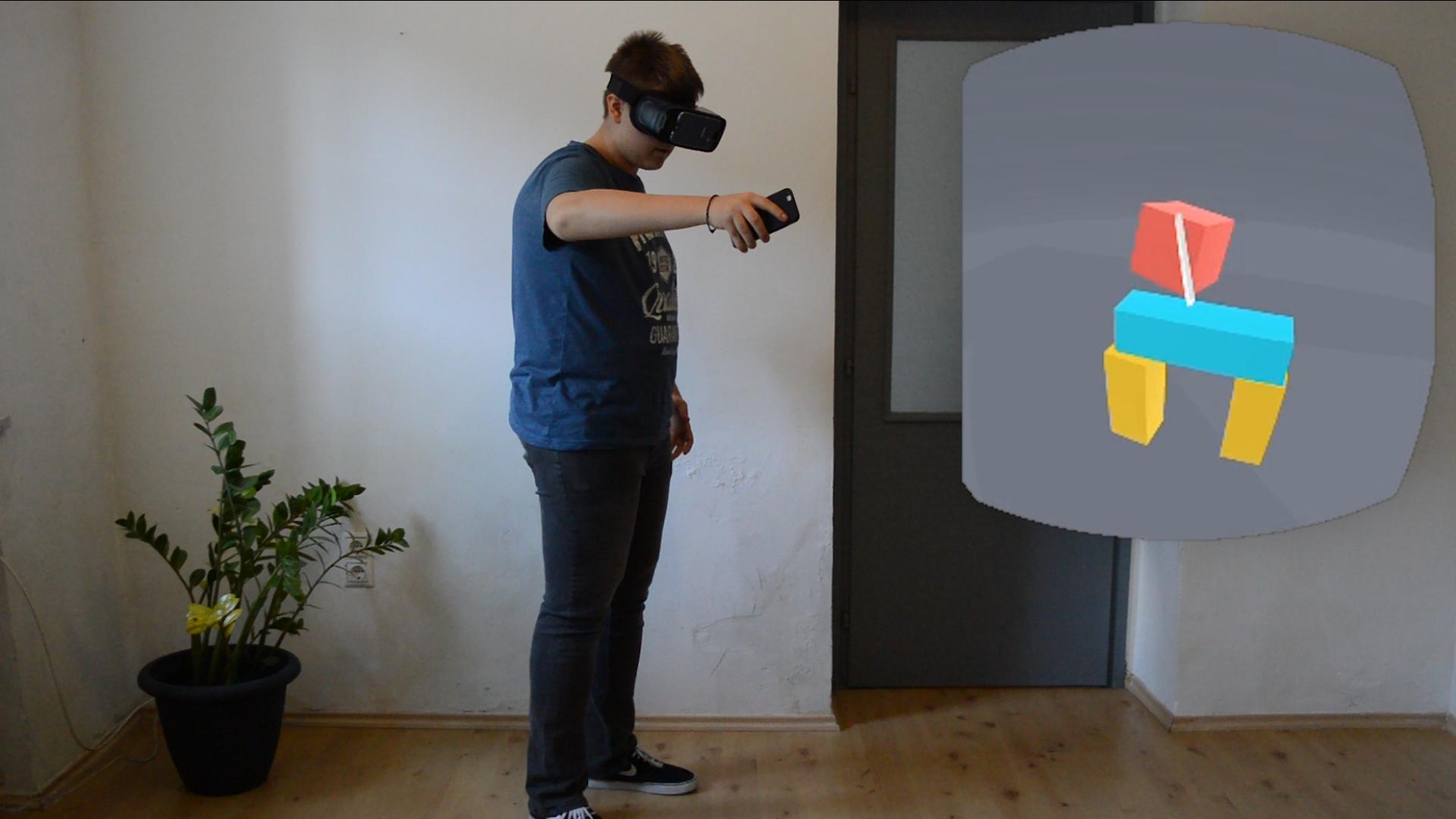
World tracking motion controls for mobile VR without additional accessories
Tech demo server app for AVR, the world tracking motion controls for mobile VR project
Setup Instructions:
1. Open the AVR app on your headset and remote phone
2. Put the remote phone at the headset
3. Tap the Calibrate button
In-game:
Tap the remote screen to activate Joystick mode. This way you can move around in the world.
That's it!




 Download APK(14.86MB)