 Version
1.1.7
Version
1.1.7
 Package Name
nl.phlux.launchster
Package Name
nl.phlux.launchster
 Category
Practical Tools
Category
Practical Tools
 Size
1.48MB
Size
1.48MB
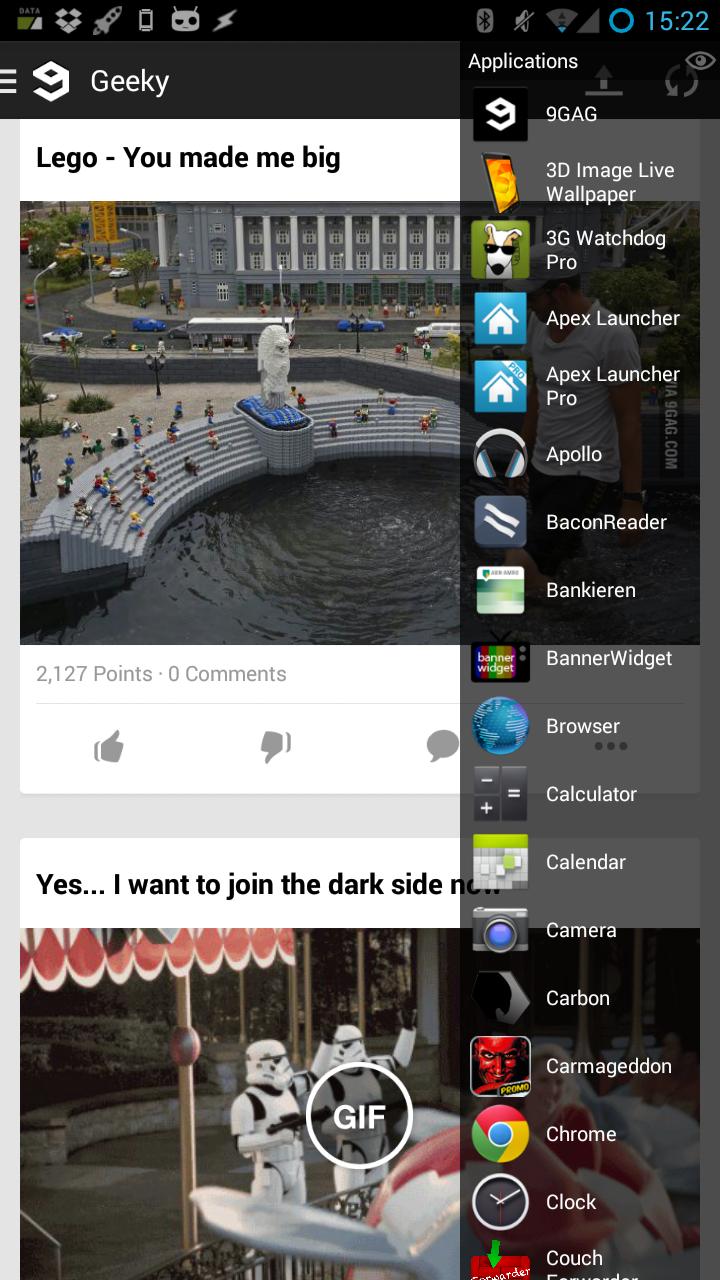
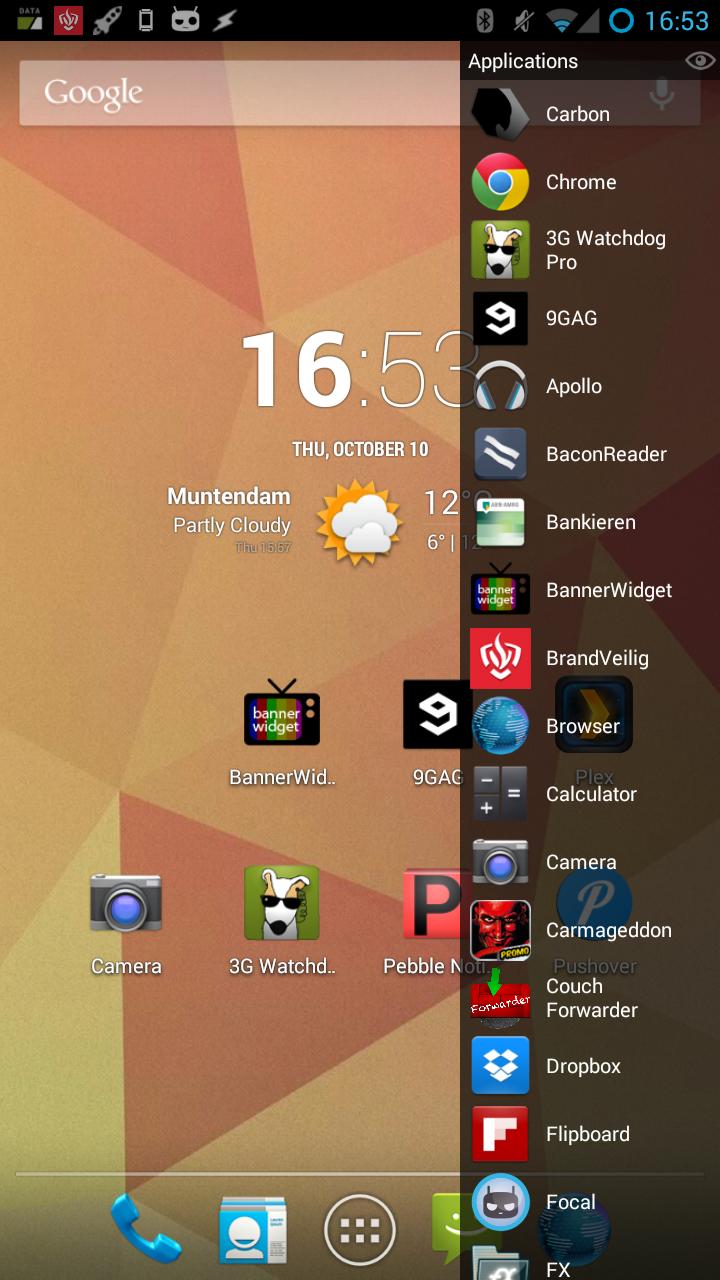
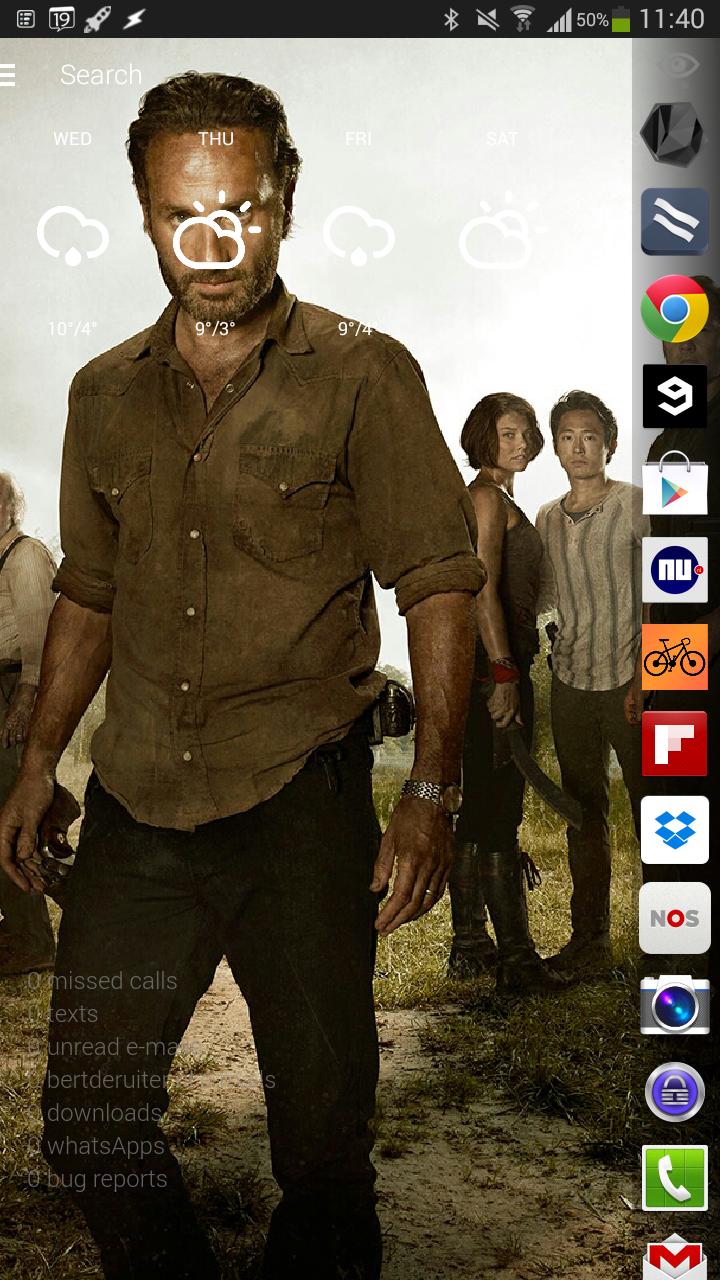
Switch between your apps in a fast and intuative way.
Switch between your apps in a fast and intuative way.
Get your app list by swiping in your screen from left (or right).
Features:
- Launchster will learn which apps you start the most and will prioritise them to be on top off the list.
- swipe in from either left or right
- adjust the size of the swipe area
- hide apps from the list by swiping them to the left.
- reset an app to it's original position by swiping it to the right.
- uninstall apps by long pressing them.
- choose your favorite list animation
- toggle hidden apps with the "eye" icon
If you run into crashes/bugs please report them









 Download APK(1.48MB)