 Version
1.1
Version
1.1
 Package Name
com.campmobile.launcher.theme.mintmonster
Package Name
com.campmobile.launcher.theme.mintmonster
 Category
Practical Tools
Category
Practical Tools
 Size
1MB
Size
1MB
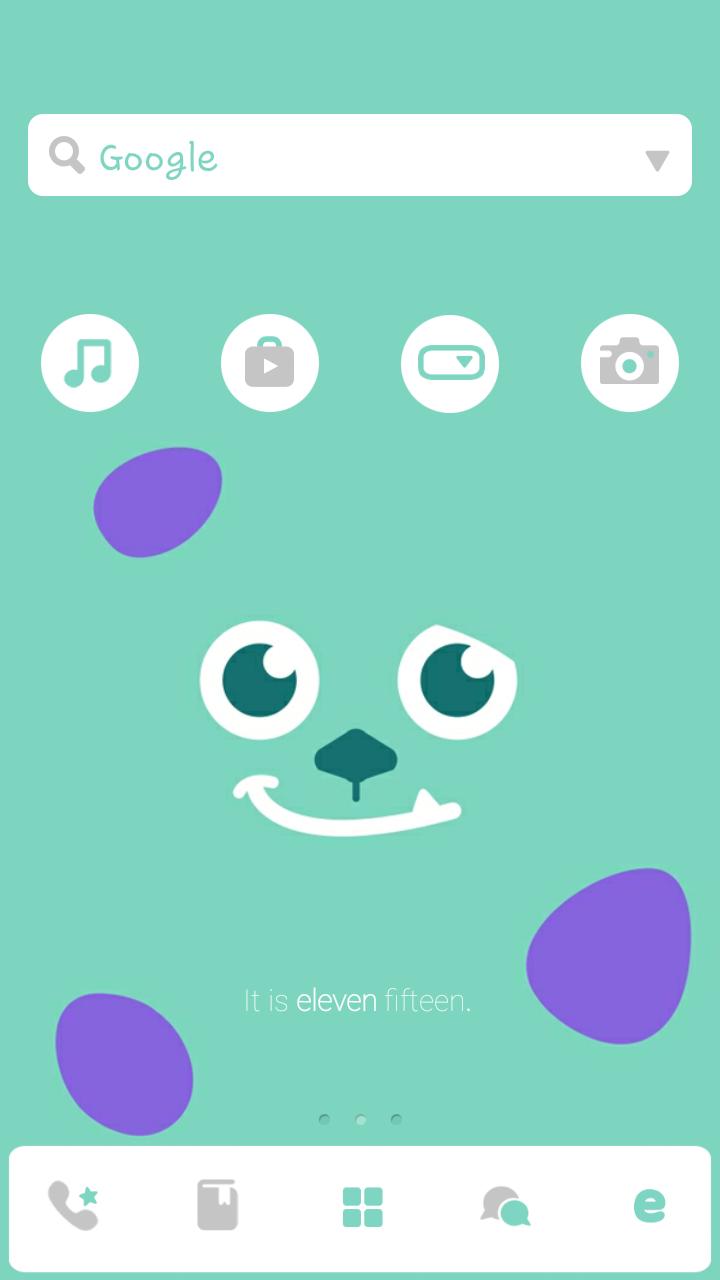
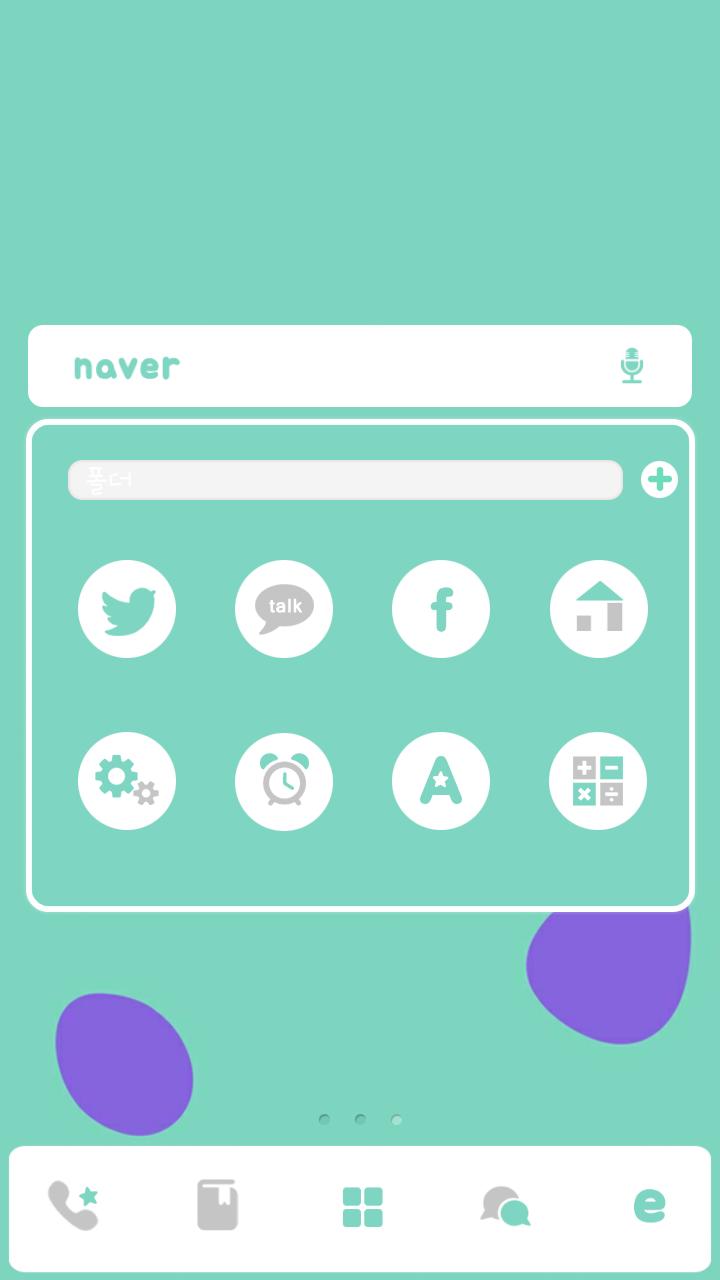
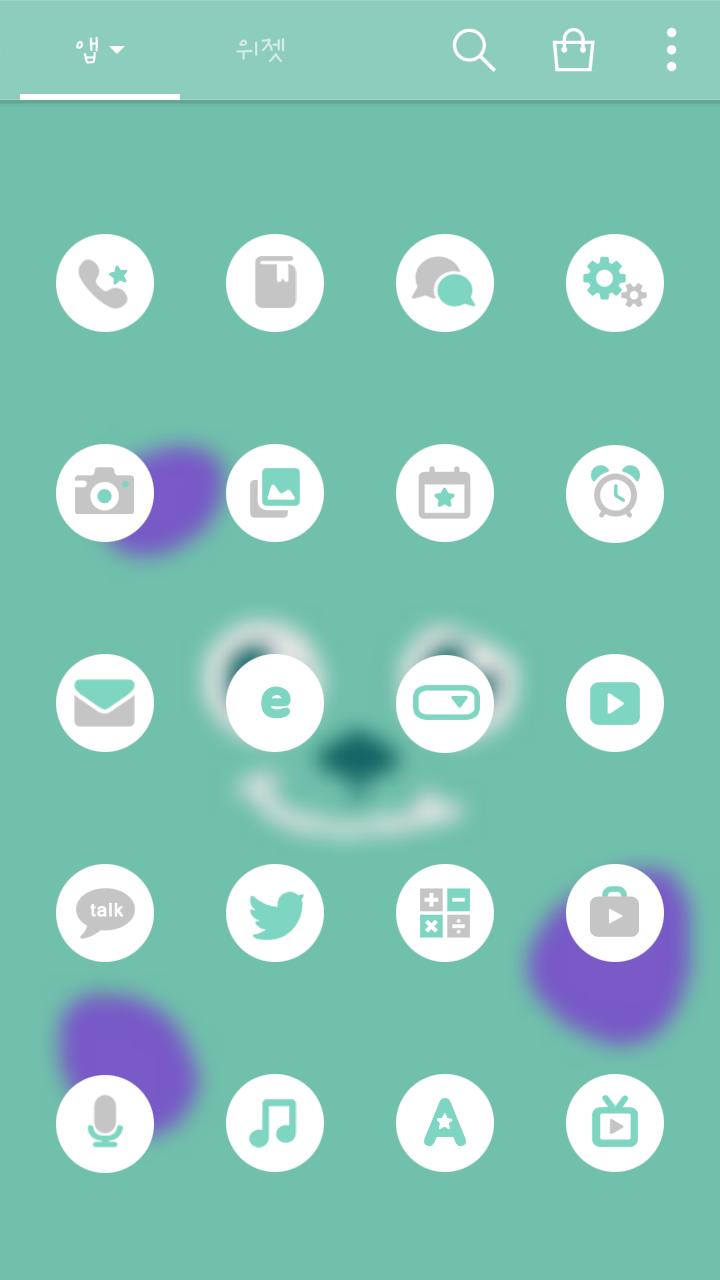
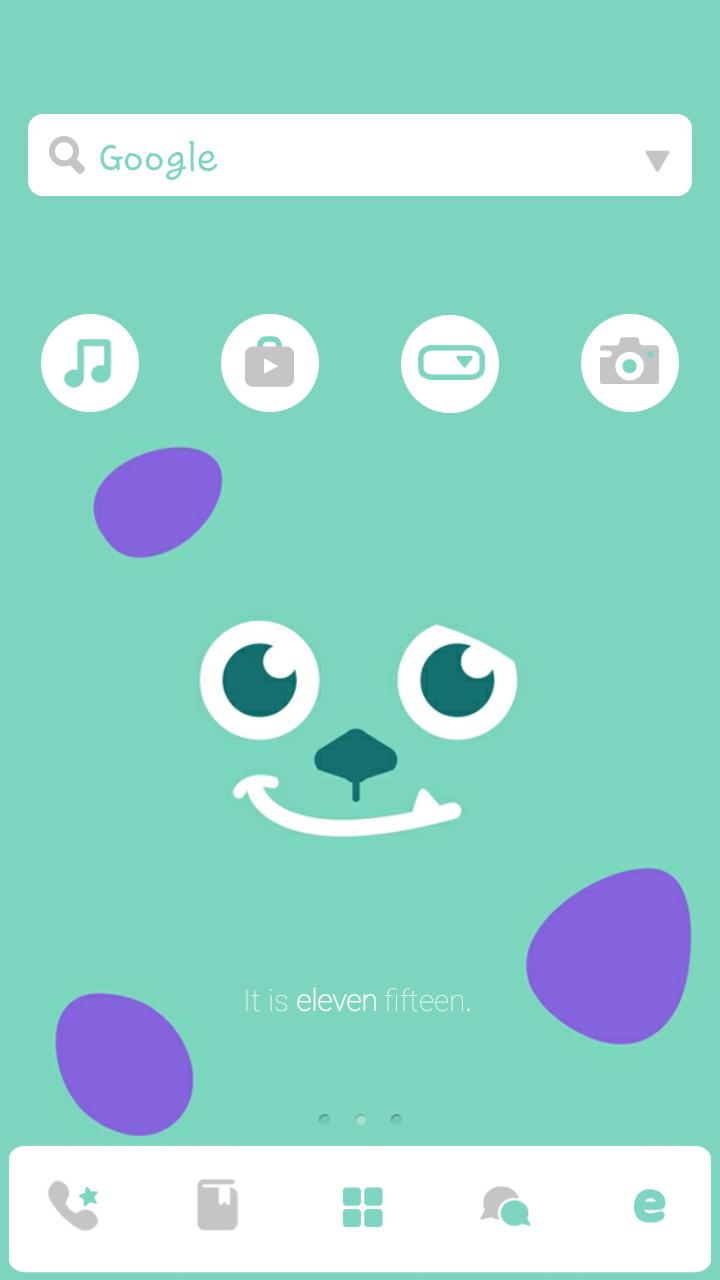
Dudung! Mint monster showed up !!Chilling theme down under with mint monster ~
Dudung! Mint monster showed up !!
Hot days in ear design that Yomi mint monster!
Chilling theme down under with mint monster ~
"★ Apply the theme to transform your background screen, icon and launcher widget! :D
■ How to apply a theme
- Install dodol launcher (if you haven't yet).
- Press the home button and set the dodol launcher as the default home
launcher by selecting
[Use as default value for this task] or [Always].
- Open the launcher menu by swiping the home screen upwards, select the
[Theme] menu, then select and apply
the theme of your choice.






 Download APK(1MB)